The Illusion of Privacy in a Connected World
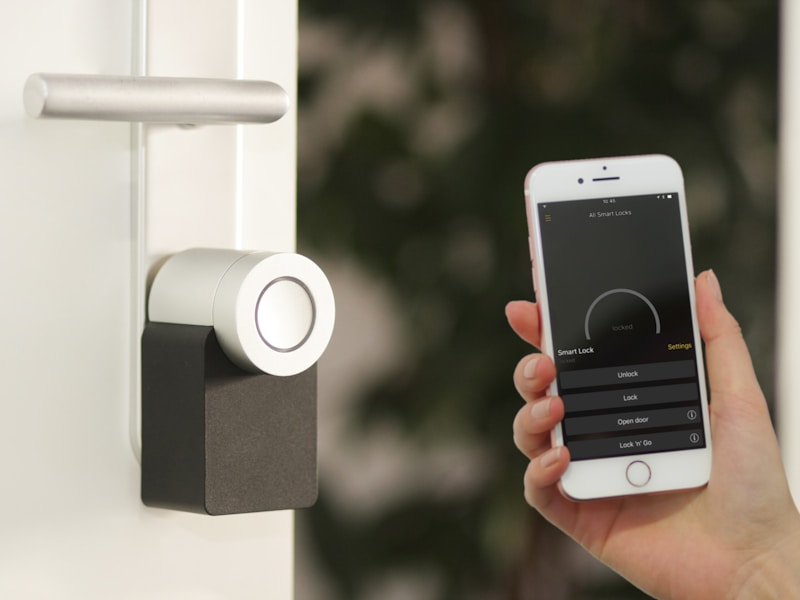
Imagine sitting in your living room, discussing a niche brand of running shoes with your partner. An hour later, you open your phone, and your social media feed is flooded with advertisements for that exact footwear. Coincidence? Or is your smart assistant listening? As the Internet of Things (IoT) continues to expand, integrating itself into our lightbulbs, refrigerators, baby monitors, and security cameras, the line between convenience and surveillance has blurred. The reality is stark: if a device is connected to the internet, it is a potential gateway for data leaks, unauthorized access, and cyber espionage.
“With every smart device you introduce to your network, you are essentially adding another locked or unlocked door to your digital home. Unsecured IoT devices are the low-hanging fruit for modern cybercriminals.”
To truly understand the risks, we must look beyond the convenience of voice commands and remote automation. This comprehensive guide explores how IoT devices can compromise your privacy and details five concrete, expert-level steps you can take today to lock down your smart home network.
How Your Smart Home Can Be Used Against You
IoT devices are notoriously insecure. Manufacturers often prioritize rapid production, sleek design, and low costs over robust cybersecurity protocols. This creates a fertile ground for several types of vulnerabilities:
1. Unencrypted Data Transmission
Many budget smart home devices transmit data over the network in cleartext (HTTP rather than HTTPS). This allows malicious actors on the same network, or those intercepting your traffic, to capture sensitive information, including Wi-Fi passwords, camera feeds, and personal schedules.
2. Firmware Vulnerabilities and Outdated Software
Unlike smartphones and computers, which receive frequent, automated security updates, many IoT devices are abandoned by their manufacturers shortly after release. This leaves active security exploits unpatched, giving hackers a permanent back door into your private network.
3. Default Credentials and Lack of Authentication
Thousands of smart devices are shipped with hardcoded, universally known default credentials (such as admin/admin or admin/1234). If you do not change these credentials upon setup, automated botnets can locate your device online, compromise it in seconds, and recruit it into a distributed denial-of-service (DDoS) network or use it to pivot onto your personal computers.
The 5 Essential Steps to Secure Your IoT Devices Today
Securing a smart home does not require an advanced degree in computer science. By implementing structured network design and practicing disciplined device management, you can drastically reduce your attack surface. Here are five practical steps to secure your smart home today.
Step 1: Segment Your Network with a Dedicated IoT VLAN
The single most effective action you can take is to isolate your IoT devices from your primary computing devices. If a hacker compromises a smart lightbulb on a flat network, they can easily lateral-navigate to your laptop where you store tax returns, passwords, and sensitive work documents.
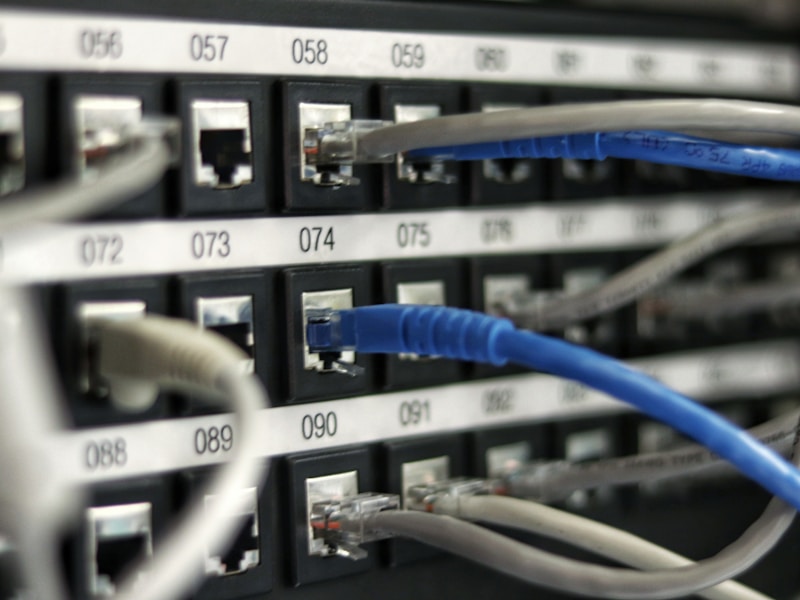
To prevent this, access your router’s administrative dashboard and set up a Virtual Local Area Network (VLAN) or enable a dedicated Guest Network. Connect all smart TVs, smart plugs, speakers, and cameras to this isolated network. This creates a secure firebreak: even if a smart camera is breached, the attacker cannot access the laptops or smartphones containing your critical personal data.
Step 2: Disable UPnP and WAN Management
Universal Plug and Play (UPnP) is a protocol designed to help devices seamlessly discover and connect to one another on a network. While convenient, UPnP automatically opens ports on your firewall to allow external connections, making your devices visible to the public internet.
Go to your router’s settings, locate the UPnP option, and toggle it to Off. Additionally, disable remote WAN management. This ensures your router’s configuration panel cannot be accessed from outside your home network, blocking brute-force attacks from external malicious actors.
Step 3: Audit and Change Default Credentials Instantly
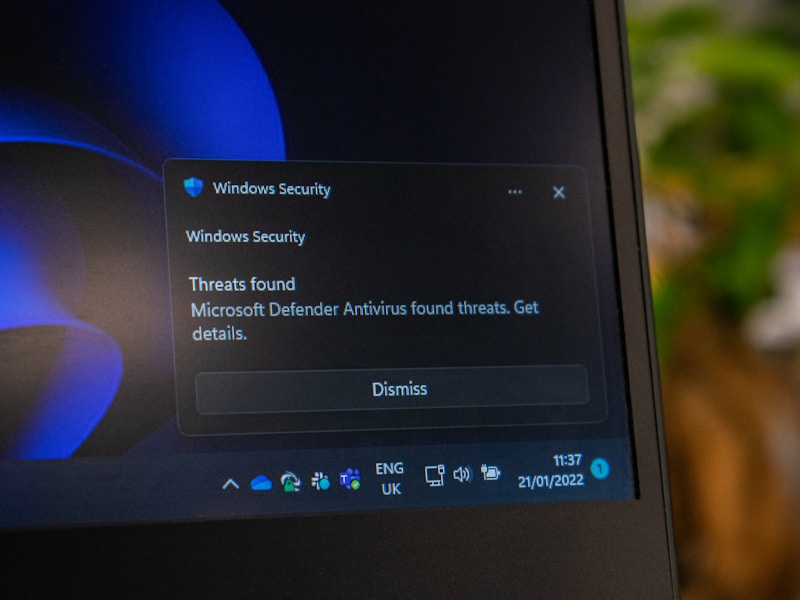
Never leave a smart device running on its factory settings. During the initial setup of any smart camera, baby monitor, or router, change the default administrator username and password immediately.
- Use passwords that are at least 16 characters long.
- Mix uppercase and lowercase letters, numbers, and special symbols.
- Avoid using predictable patterns or personal information (like birthdates or pet names).
- Utilize a dedicated password manager to generate and store these complex keys.
Step 4: Keep Firmware Meticulously Updated
Outdated firmware is an open invitation to cybercriminals. Make it a monthly routine to audit your smart home devices. Open the companion app for each device (such as your smart plug, thermostat, or security camera app) and check for firmware updates.
If a device supports automatic updates, enable them immediately. For older devices that no longer receive security patches from the manufacturer, strongly consider replacing them with newer models that prioritize long-term software support.
Step 5: Disable Unnecessary Cloud Features and Microphone Permissions
Many smart devices collect excess telemetry data, voice recordings, and usage habits, transmitting them back to the manufacturer’s cloud servers. Review the settings of your smart speakers, smart TVs, and voice assistants.
Disable features like “voice activation history collection” or “personalized advertising tracking.” If a smart device does not require internet connectivity to perform its core function (for instance, a smart lightbulb that can be controlled locally), block its internet access entirely through your router’s parental control or access control settings.
Conclusion: Take Back Control of Your Digital Privacy
Your home should be your sanctuary, not a data-harvesting node for tech conglomerates and cybercriminals. While the convenience of a fully automated smart home is undeniable, it must never come at the expense of your personal security. By taking a proactive approach—segmenting your network, managing your credentials, and keeping your firmware updated—you can enjoy the benefits of modern automation without sacrificing your privacy. Start securing your network today; your peace of mind is worth the effort.